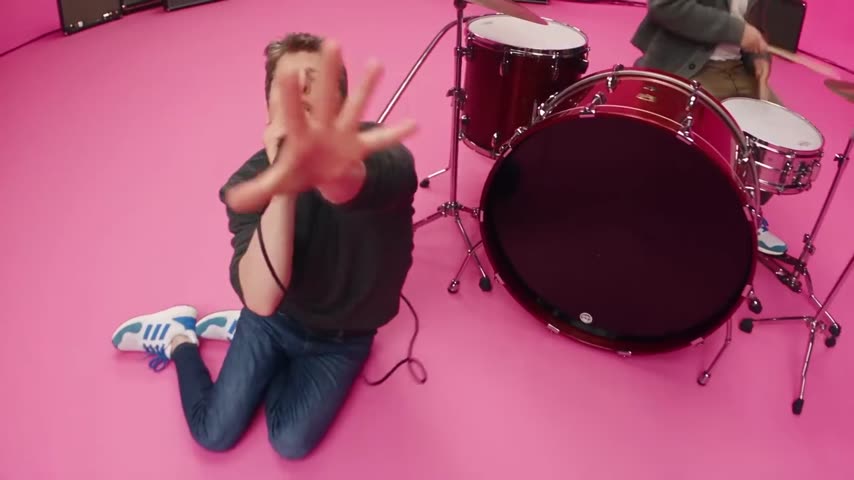
What is the APT MV AI trend?
It is a wave of AI edits built on one of the most-watched K-pop videos of recent years. People keep the pink room and the song and swap themselves, friends or couples into the band. The clip on vswp is a ready horizontal version of that scene, about 26 seconds long, with both performers already found, so you add photos instead of cutting the video yourself.
Two roles make it a natural duo video: one of you plays to the camera, the other keeps the beat on the drums, and the chorus everyone knows does the rest.
Where does the original video come from?
"APT." is a song by ROSÉ of BLACKPINK and Bruno Mars, released on October 18, 2024, as the first single from her album "rosie", which came out on December 6, 2024. The title comes from the Korean drinking game "apateu" ("apartment"), and ROSÉ co-wrote the song with it in mind.
The official music video was directed by Daniel Ramos and Bruno Mars. It shows them playing like a garage band in a loud pink room, switching between drums and vocals, and it reached 1 billion YouTube views on January 31, 2025, 105 days after release. The song reached No. 3 on the Billboard Hot 100 and earned three nominations at the 2026 Grammys, including Record and Song of the Year.
The vswp clip is a fan-made version of the pink-room scene, not the official video, so this page links no original source.
Who and what is in it?
Two people to replace:
- The performer in front. In this version, a man in a black T-shirt, jeans and blue-and-white sneakers. At one point he kneels on the pink floor right under the wide-angle lens and pushes his open hand toward the camera, so his face comes and goes behind his fingers.
- The drummer. Behind a red drum kit to the right, in a grey jacket, sticks in hand. This is Bruno Mars' spot in the official video.
- The room. A pink floor and walls, amplifiers along the back and the red kit, filmed close with a fish-eye style lens.
How to make the APT AI video
- Open APT MV — ROSÉ & Bruno Mars AI Trend and sign in with Telegram, no password needed.
- Both performers are already found. Give a photo (JPEG, PNG or WebP) to the one you want to play, and another to your friend's role if you want both swapped.
- Choose the look. With "Keep the original look" on, the T-shirt, jeans and jacket stay and only faces and hair change; turn it off to wear the clothes from your photos, a black leather jacket included.
- Press "Make the free preview": about 5 seconds at 480p with a small "vswp.app" mark. Every new user gets one.
- Press "Create the full video". The price in Telegram Stars is shown before you start, and the Stars come back if a render fails or is canceled.
- Download the MP4 at 480p or 720p with the original sound, typically ready in minutes, or share it.
By starting a video you confirm you have the right to use it and the photos, so ask your friend before you put them behind the drums. For duo ideas, see how to recreate a trend with friends or browse the trends list.
Which photo for each role?
- The performer in front. He moves right up to the lens, so the face is large in the frame and the likeness matters most here: a sharp, front-facing photo in good light, with no sunglasses.
- The drummer. He is farther back and often partly cut off by the frame, so any clear portrait works; the drumming arms stay as in the clip.
- The look. To appear in your own outfit instead of the clip's clothes, use a full-body photo of you alone and turn "Keep the original look" off.
- The hand over the face. The open hand in front of the lens and the fast drumming are hard spots for generative AI, so fingers, sticks and likeness can need another take.
More tips: which photos work best for an AI video swap. Then make another version with the roles switched.
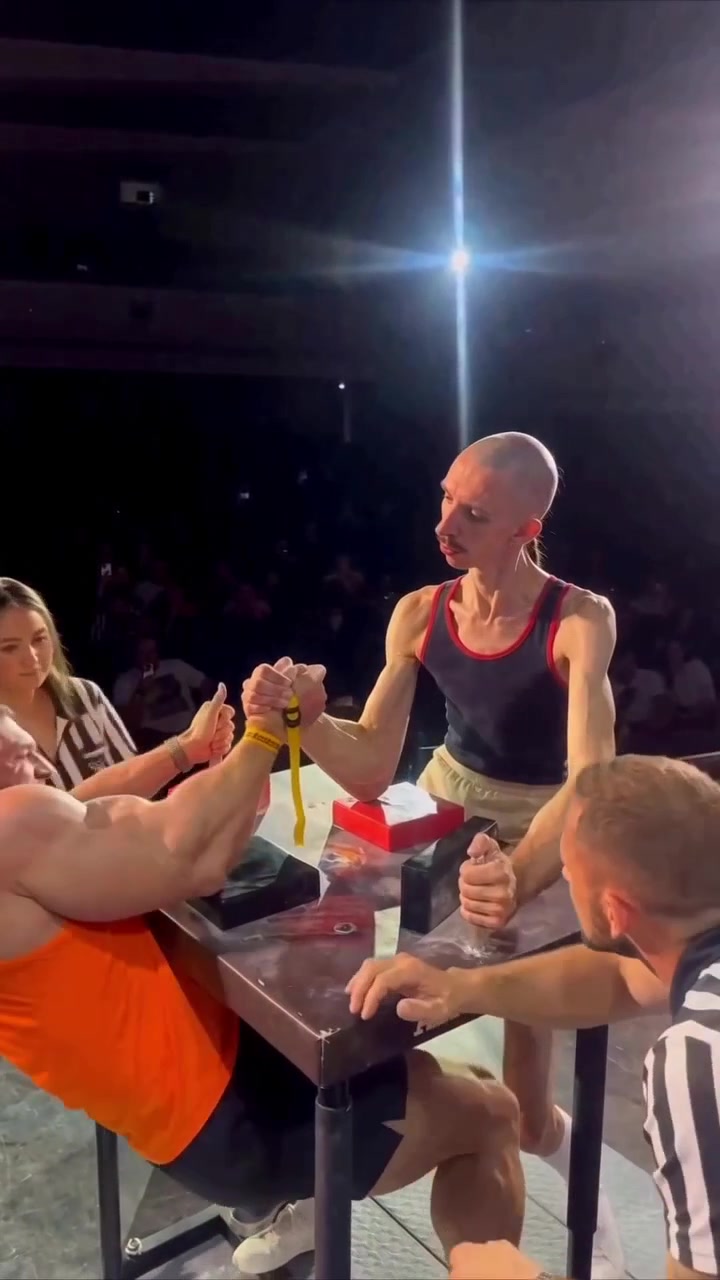 Arm Wrestling AI — Skinny vs Muscular
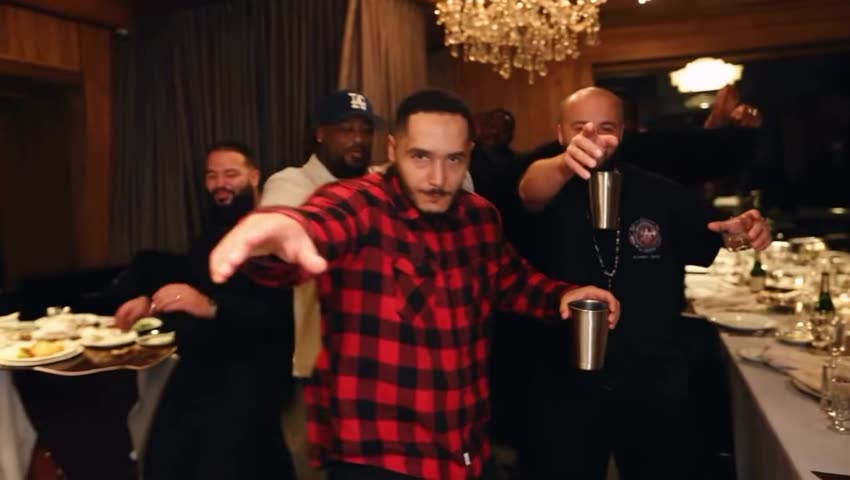 Drake Burning Bridges AI
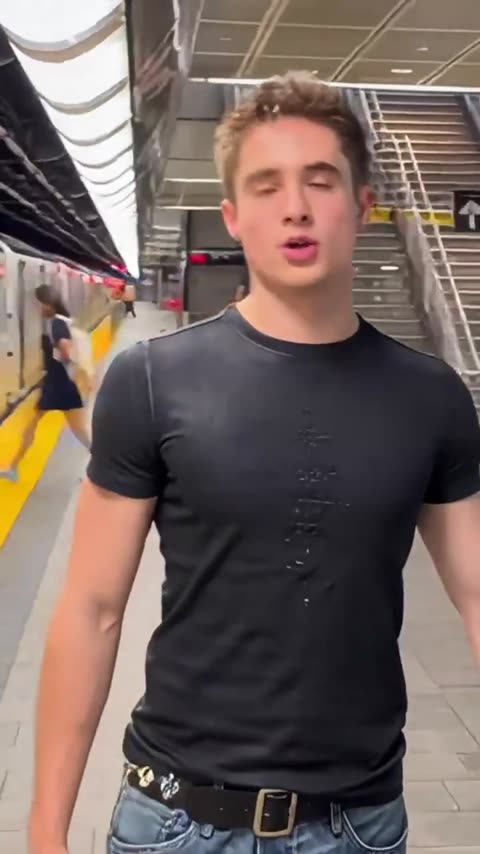 The Train Trend — run after your phone on the subway
 Red Outline — the glowing lip-sync trend
 Money Flex — the RIO FREE money trend
 Spider-man Sigma