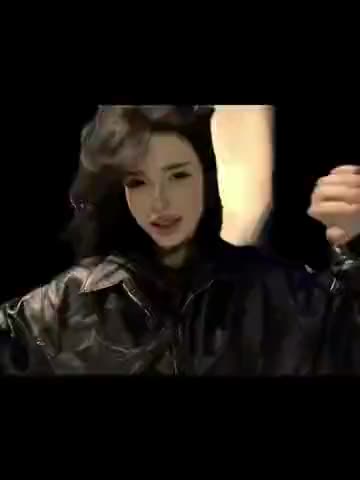
What is the washing machine trend?
The recognizable detail is the circular metal drum surrounding the picture. It stays visible while the person outside the machine takes out clothes and reaches toward the camera. The opening has ordinary room lighting and a casual outfit. Near the end, the drum spins across the frame and the lighting turns blue. The performer reappears in a black jacket with necklaces and holds a final pose.
This is a sequential transformation, rather than a scene with two people standing together. The two photo cards represent different moments of the same performance. Use one person for both looks if you want a personal transformation, or different people if the joke depends on who appears after the spin.
Which source does this template use?
The reference is the TikTok posted by muvarveral. Its caption calls the format the washing machine trend and includes the tags for Voroniny and Kostya Voronin. Those tags help identify the supplied example; they do not establish who invented the format or which recording is playing.
TikTok labels this post’s audio “original sound - muvarveral.” The underlying song and performer have not been confirmed. The template keeps the sound from this actual clip, rather than substituting music associated with another washing machine edit. The full source fits within the video limit, so this version includes both the setup and the reveal.
What do the two photo cards control?
“Before — casual look” covers the opening and the laundry handling before the spin. “After — blue-lit reveal” covers the dressed-up ending. The change happens at roughly 8.67 seconds in the full template. The circular rim, foreground clothes, reaching hand and camera rotation belong to the scene, not to additional people you need to assign.
You can replace either look or both. A look without a photo stays as in the source. To keep the same face throughout, assign the same photo to both cards. To show two distinct outfits, use a separate photo for each stage and turn off Keep the original look. Do not combine the two photos into a collage: each card needs its own clear reference.
How to make the washing machine transition with AI
- Open the washing machine template and sign in with Telegram.
- Add your opening photo to the before card and your reveal photo to the after card.
- Choose whether to keep the original clothes or use the looks from the photos.
- Check the selected roles, resolution and price before starting the video.
- Download the completed MP4 with the original sound.
A new account gets one short free preview at 480p with a small vswp.app mark. It is a sample of the video, not the entire 13-second clip. Full videos are paid in Telegram Stars, and the displayed price depends on the selected options. The result can be made at 480p or 720p. You can find other formats in Trends.
Which photos work for this particular reveal?
The opening places the face quite close to the drum, while the ending shows more of the outfit. Choose a sharp photo with a visible face for each stage. For an outfit change, a single-person full-body photo gives more information about clothing and silhouette than a tightly cropped selfie. Keep hands, filters and heavy shadows away from the face when possible.
The blue light and fast rotation make the transition more demanding than a still portrait. AI can change details around hands, laundry or the metal rim, so the result is not guaranteed to match every original frame. Use photos you have permission to use and ask friends before assigning their faces.