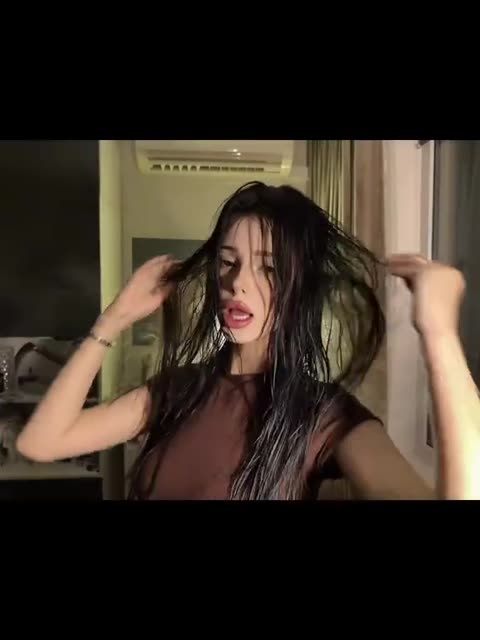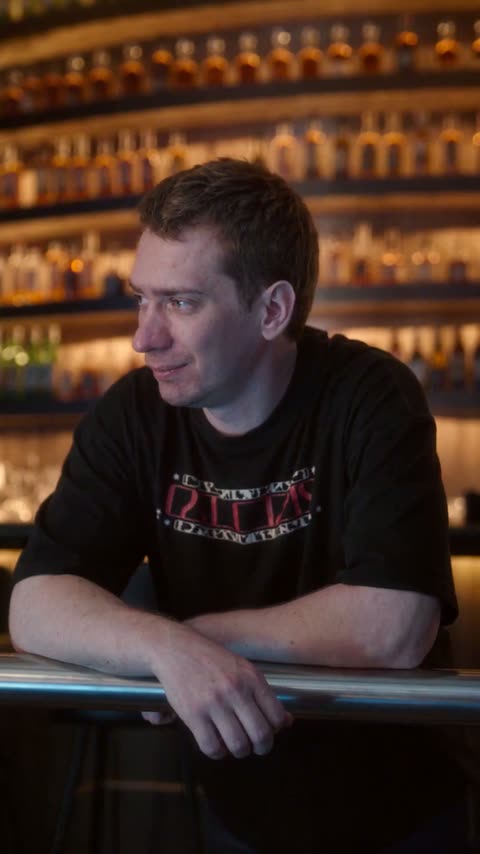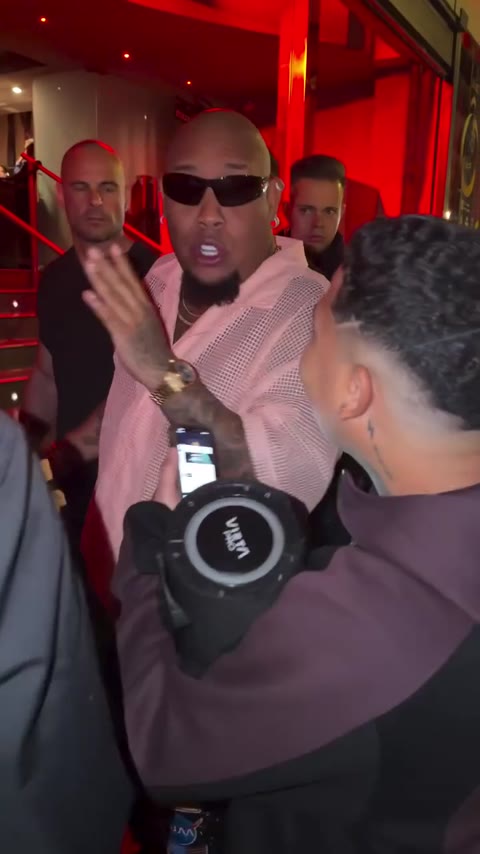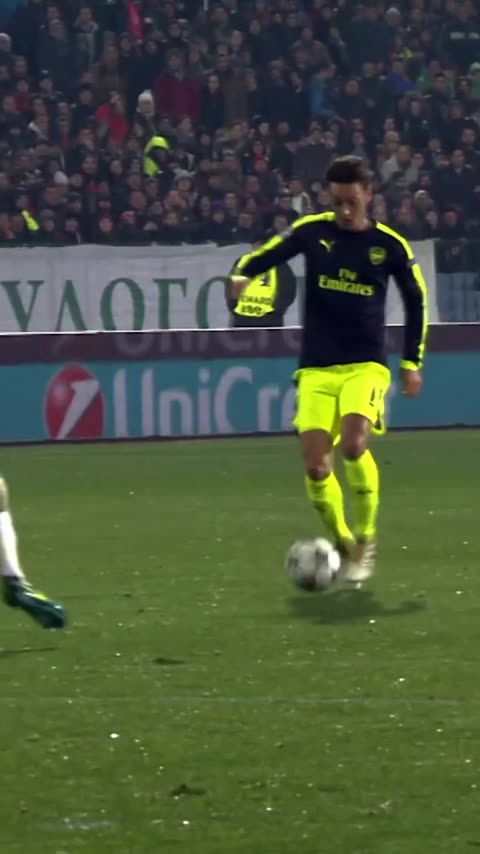

What is the Damon Salvatore AI trend?
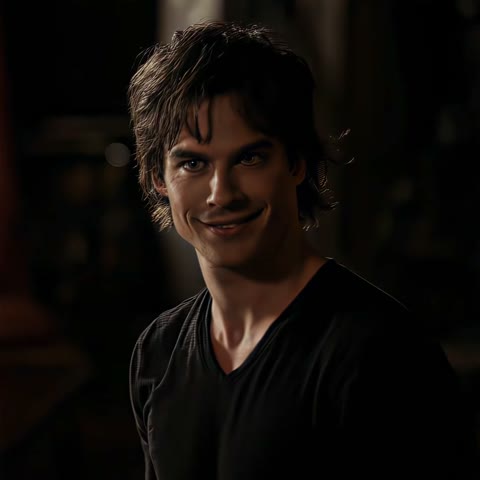
The format follows one character through several shots: a dark room, a black V-neck shirt, a sideways smile, then different clothes and camera angles. AI versions give that recurring character another person's appearance. You do not have to perform his expressions, record the dialogue or film yourself beside a car.
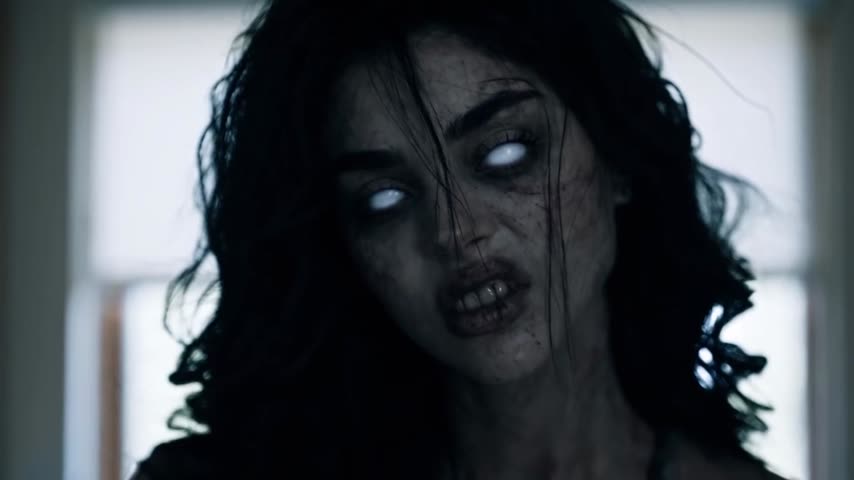
The different outfits are all Damon. They are grouped into one role in this template, so you upload one photo for the whole montage. The woman briefly visible at the edge of one shot is background and is not offered for replacement.
Where is the original Damon Salvatore edit?
The source used here is the edit posted by @vampsaga.vfx, captioned “Damon Salvatore edit | holy potato quality.” The downloaded source is about 17.35 seconds, square, at 1080 × 1080 pixels. Its opening shots match the original panel shown in the tutorial example.
This is an edited compilation of television footage. The source post identifies this particular montage; it does not establish who first started replacing Damon with AI. Exact episode timecodes have not been verified, so this page does not assign the compilation to one episode.
The background track was identified as Ritmo Lilly Wood by DJ MTN. The source also contains speech. Your version uses that edit's original audio rather than a newly generated voice or a replacement soundtrack.
How to make the Damon Salvatore trend with your photo
- Open the Damon Salvatore AI template and sign in with Telegram.
- Add a clear photo to the single Damon role. The same assignment covers his appearances across the montage.
- Choose whether to keep the original look. With it enabled, the video's clothes stay and the face and hair change. Turn it off if you want the photo to guide the look.
- Make the free preview if it is available to your account. It shows a short part at 480p with the vswp.app mark.
- Check the face, hairline, smile and head turns before creating the full video. The full version is paid in Telegram Stars, with the price shown before you start.
- Download the MP4 with the source sound after generation finishes.
There is no need to upload a separate photo for the jacket, the car or the later close-ups. Those are different shots of the same replacement role. You can return to the template to try another photo.
Which photo works best for this edit?
Use a sharp portrait showing one person's face, forehead and hair. Soft, even light helps more than a heavily filtered selfie. Avoid sunglasses and hair covering the eyes: several source shots depend on eye contact and small changes in expression.
A front-facing or slightly turned portrait gives useful information for the opening close-ups. The montage also includes profiles, strong shadows and quick head movements, so inspect those moments in the generated result. A photo with an exaggerated smile can make the quieter expressions harder to reproduce naturally.
If keeping Damon's black shirt and leather jacket matters, enable the original-look option. For a different outfit, use a photo that shows it clearly. Read the photo guide for framing advice. Generative results can vary, especially around teeth, hair and fast transitions.