

What is the golden cave transition?
It's a glow-up in two shots. First, the ordinary version: a selfie by a bright window at home, singing along with big expressions, then a laugh with a hand at the mouth and a hand run through the hair. Then the cut: the same girl stands in a cave of glowing golden formations hanging from above, with warm orange lights and green light pooling at the bottom, in a black leather jacket over a black top, singing and dancing with her hands.
The contrast is the point: a plain moment at home turns into a music-video scene in a place that looks unreal. People search it as the golden cave transition, the gold cave trend, the nopowerbank transition, or simply "nopowerbank trend", after the account that posted it.
Where does the original video come from?
The original video was posted on TikTok on October 14, 2026, by the account @nopowerbaank, whose captions read "tgk nopowerbank". Its sound is listed as an original sound by norrvex. The same account made the clips behind two other vswp trends, Zany Preparaty and the One Desire pilot transition.
On vswp the clip arrived within hours of the post: people were already putting themselves into it on the day it came out.
Who and what is in it?
One person, so the trend has a single role.
- The home shots. A bright room with a window, curtains and a plant; she films herself close, sings along, laughs with a hand at her mouth and runs a hand through her long dark hair.
- The golden cave. Glowing gold formations hang from above like stalactites, with orange lights deep in the back and green light at the bottom.
- The look in the cave. A black leather jacket over a black top, the long dark hair loose.
- The frame. A vertical TikTok frame with the picture between black bands above and below, as in the original.
- The sound. The original music stays, so your version has the same beat at the cut.
How to make the golden cave transition with AI
- Pick a photo of you, or of a friend who said yes.
- Open the golden cave transition trend page. The girl is already found in the clip.
- Sign in with Telegram. There's no password to create.
- Add the photo to her card: JPEG, PNG or WebP.
- Choose the look. With "Keep the original look" on, the black leather jacket stays and only the face and hair change; off, the outfit comes from your photo.
- Make the free preview. It's about 5 seconds of the clip at 480p with a small "vswp.app" mark. The full video is paid in Telegram Stars; you see the price before you start.
- Download or share the MP4 (480p or 720p, original sound), typically ready in minutes.
New to vswp? See how to put yourself in a video.
Which photo works for her role?
- A clear face, close to the camera. Both parts are close-ups that face the lens, so use a sharp, well-lit photo taken from the front, with no sunglasses, hands or hair over the face.
- Hands near the face. In the home shots her hand goes to her mouth and into her hair, and hands in front of a face are hard for generative AI, so that moment can need another take.
- Full body for your own outfit. With "Keep the original look" off, a full-body photo of one person carries clothes, hair and silhouette best.
More in which photos work best for an AI video swap. Then make another version with a friend, or browse the trends list.
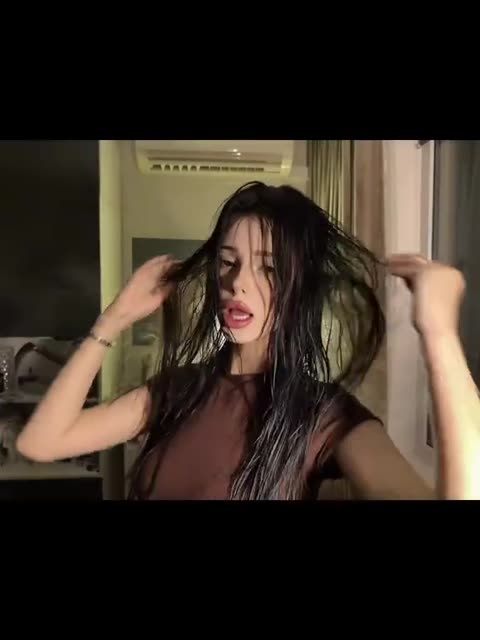 Jakarta One Desire — TikTok Transition
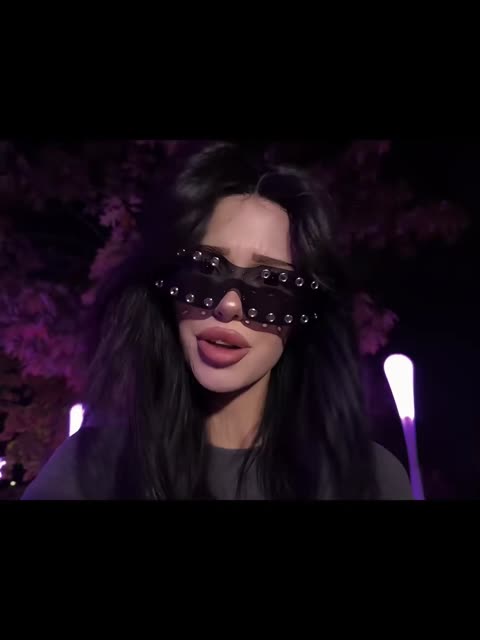 Zany Preparaty — Sunglasses and Ghost Effect
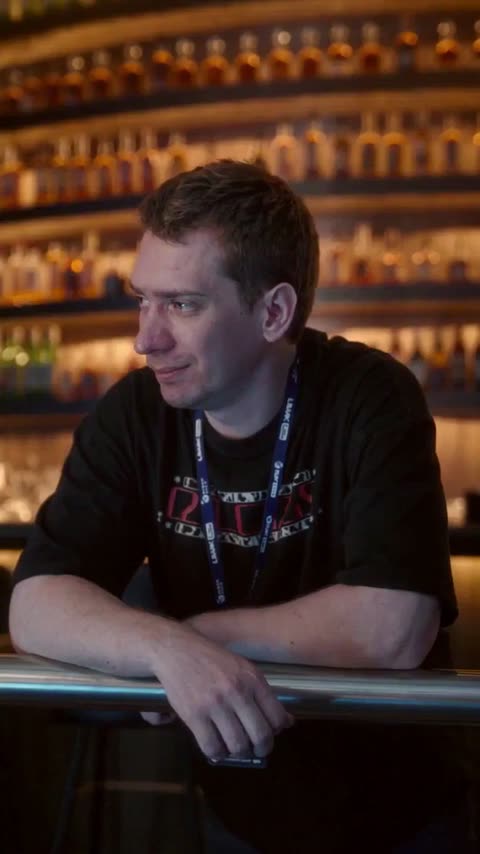 Three Steps Above Heaven
 I Wanna Love You — Akon & Snoop Dogg Lip-Sync
 Car Drift — Custom Scene
 Opa Opa — Selfie with a Friend