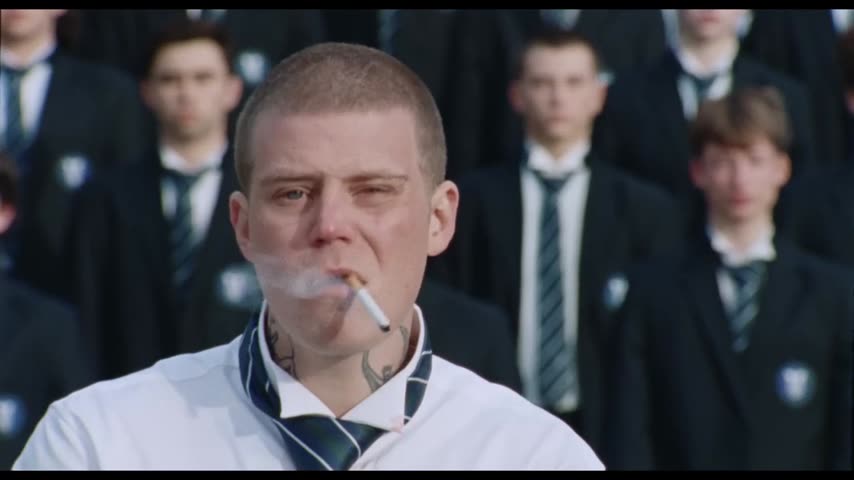
What is the Storm trend?
In the "Storm" video, the boys of a boarding school line up on the school steps as if for a class photo, staring straight ahead. Then the rows break into a tight, hypnotic routine of waves and patterns, while Yung Lean stands in the middle with a cigarette, his jacket off. The dance is from the song's second half, "Storm II".
In September 2026 the scene became an AI template: people put themselves and their friends in the lead's place, and AI copies of the Yung Lean Storm dance spread across social media. The appeal is the contrast: one calm person and a whole school moving around them.
Where does the original video come from?
"Storm" (also listed as "Storm Pt. I & II") is a double single by GENER8ION featuring the Swedish rapper Yung Lean. GENER8ION is not an album title but the project of French producer Surkin with director Romain Gavras. The song came out on April 24, 2026, with a short film of about seven minutes directed by Gavras and choreographed by Damien Jalet. The original is on GENER8ION's YouTube channel.
The film is set in an elite all-boys British boarding school under "Class of 2034" banners, with no adults in sight. Yung Lean plays a disruptive, aggressive student who drags the others into chaos. It gathered millions of YouTube views within weeks and four nominations at the 2026 MTV Video Music Awards, including Video of the Year, and in September "Storm II" was performed live at the show.
Who and what is in it?
The vswp clip is 30 seconds long and has one person to replace: the lead, Yung Lean's character. In the poster frame he is in close-up, in a white shirt with a loosened striped tie, with a buzz cut, neck tattoos and a cigarette between his lips, smoke drifting past his face. Behind him stand rows of boys in dark blazers with a crest on the chest, white shirts and striped ties, all looking into the camera. The light is gray daylight, the colors cold and muted.
The crowd stays as in the film, dozens of real faces moving together, which keeps your version looking like the original.
How to make the Storm video with AI
- Pick one photo. Your own, or a friend's if they agreed.
- Open the trend. Go to the Storm — Yung Lean trend page. The lead is already found.
- Sign in with Telegram. No password needed.
- Add the photo to the lead. Nobody else in the scene changes.
- Choose the look. With "Keep the original look" on, the white shirt and loose tie stay and only the face and hair change. With it off, the clothes come from your photo.
- Check the price and start. Make the free preview first, or go straight to the full video at 480p or 720p.
- Download the MP4. It keeps the original "Storm" sound and is usually ready in minutes.
More on solo swaps: how to put yourself in a video.
Which photo works for the lead?
In this close-up your face fills much of the frame:
- Sharp, front-facing, well lit. Soft daylight suits the gray scene better than a dark selfie with a flash.
- A calm face. He stares ahead without a smile, so a neutral photo fits the mood better than a big grin.
- Nothing covering the face. No sunglasses, hands or hair in the way. The cigarette and smoke already cover part of his mouth, and that's hard for any AI video, so the lips may need another take.
- Your hair comes along. Face and hair change in both modes, so no buzz cut needed. For your own clothes, use a full-body photo and turn "Keep the original look" off.
More tips: which photos work best for an AI video swap. Ready? Open the Storm trend and start with the preview, or browse all trends.
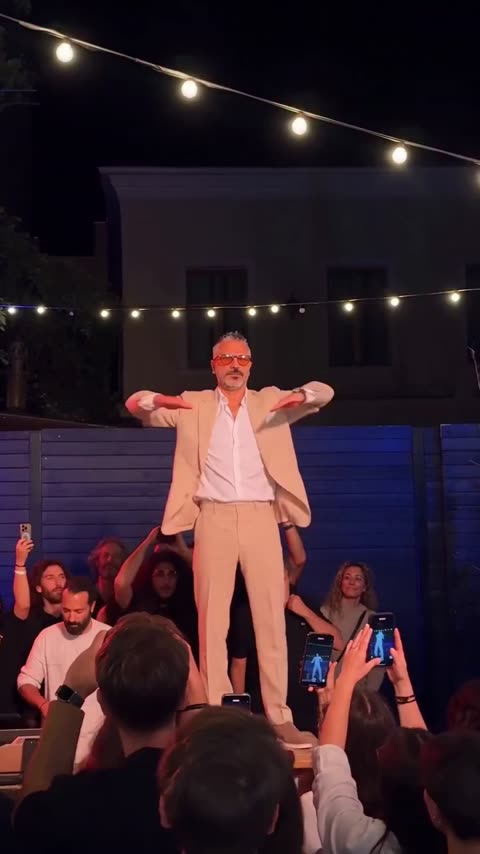 Party King
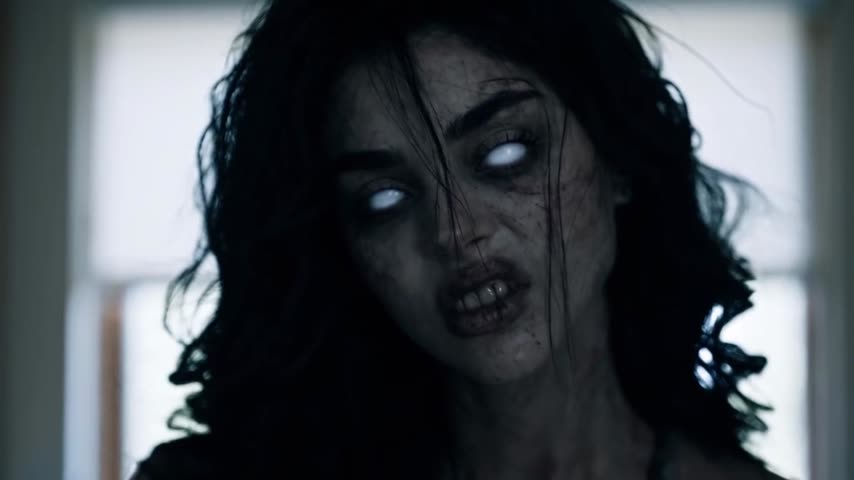 Zombie Love Story — the AI zombie hug trend
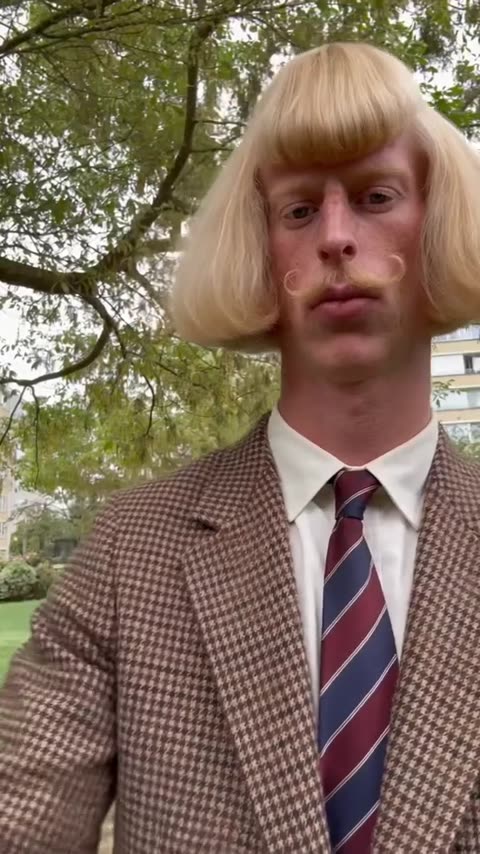 Jean Phil Gang Gang Dance
 Turn The Lights Off — club dance
 Two guys in suits making a beat
 Sasha Sergeev gets things done; everyone respects him.