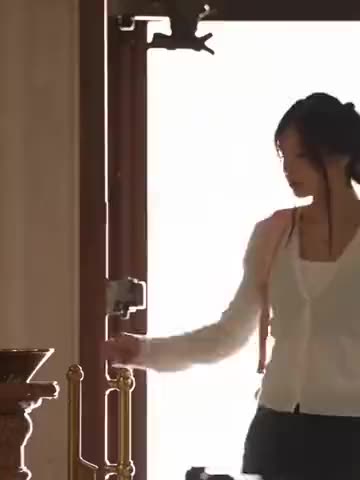
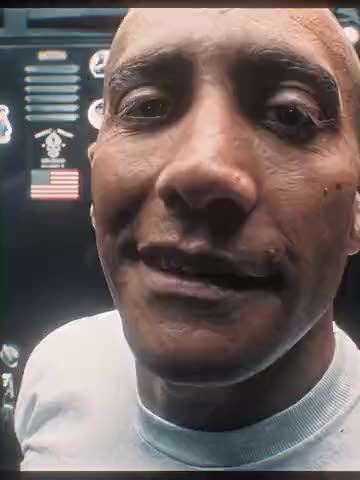
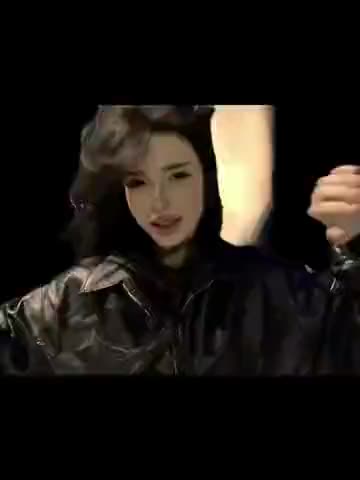
What happens in the clip?
The man in green opens outside a pizza shop. The man in black walks with a phone through a park, along a building and into an indoor hall. The two meet by a brick wall, then dance near a hotel and on a lawn. The edit also shows the man in black standing on a green bin.
Where is the original video?
Watch the original TikTok by @moiseb4yoi. The 26.4-second template uses the source audio.
Make your version
- Open Moise Street Duo and sign in with Telegram.
- Play the template and pick the role you want to change. The available cards are Performer in black, Performer in green.
- Add one clear JPEG, PNG, or WebP per role you choose. Use one person per photo and check the role thumbnails before continuing.
- Choose the quality and check the price in Telegram Stars. Download the MP4 when it is ready.
See the steps in the Moise Street Duo guide.
Choose a photo and check the result
A sharp portrait with even light and a clear view of both eyes gives the template a readable reference. Use a separate crop for each person if you start with a group photo. Ask before using someone else’s photo.
Check the green-shirt role at the opening and again during the dance. Check the black-shirt role on the phone and later on the bin. The trousers look alike, so the shirts and the phone sequence help you follow the two roles across cuts.