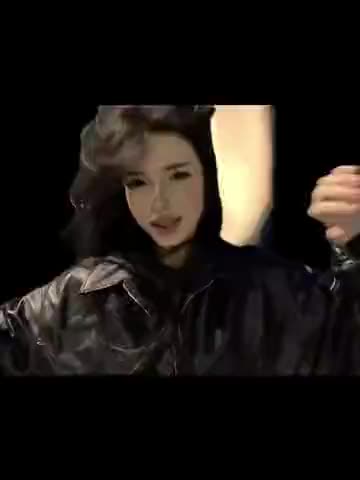
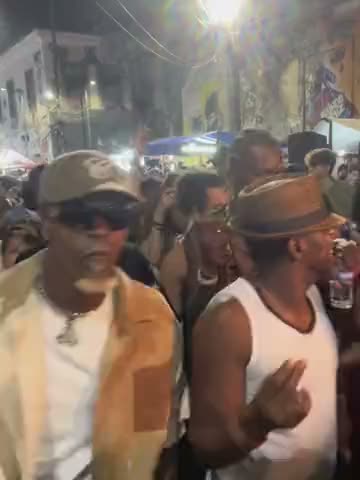
What is the Bloody Paradise "Party Party" dance?
It is a quick dance clip set to the most catchy bit of "Bloody Paradise", the part TikTok calls "party party". The moves are loose and bouncy: swinging arms, small steps forward toward the camera, a lot of attitude and very little choreography to learn. That is why it spread as a format: anyone can do it in a hallway, on a street or next to a car, and it looks good with one, two or three people.
On vswp the trend is one page with three versions, so you choose how many people take part:
- Solo: one dancer in a long building corridor with red pipes along the ceiling.
- Duo: two dancers on an embankment.
- Trio: three dancers by a yellow taxi, the setting of the original clip.
Where does the original video come from?
"Bloody Paradise" is the title track of ENHYPEN's eighth mini album "THE SIN : BLISS", released on August 21, 2026. Korean media describe the song as a Brazilian funk dance track, and the album went to No. 1 on the US Billboard 200. ENHYPEN posted the song's official dance practice video on August 24, 2026, and performed it in Japan for the first time at a showcase at Toyosu PIT on September 4.
The "party party" dance is the fans' short version of it: a few seconds of the song's hook, filmed on phones and repeated across TikTok. The clips in this trend keep that sound exactly as it is.
Who and what is in it?
The people to replace depend on the version you open:
- Solo, the corridor. A young man in a navy blue hoodie and light ripped jeans walks and dances toward the camera down a gray corridor with red pipes and lamps on the ceiling. The camera faces him the whole time, so his face is large in frame.
- Duo, the embankment. Two dancers side by side by the water, doing the same moves in sync.
- Trio, the yellow taxi. Three dancers in front of a yellow taxi, the composition of the clip that started the trend.
In every version the steps, the framing, the timing on the beat and the background stay the same; only the people change.
How to make the Bloody Paradise dance with AI
- Open the Bloody Paradise "Party Party" dance trend and sign in with Telegram. There is no password.
- Choose the solo, duo or trio version. The dancers are already found.
- Give a photo to each dancer you want to replace (JPEG, PNG or WebP). A dancer without a photo stays as in the original.
- Decide on "Keep the original look". On, the clothes stay as in the clip and only faces and hair change; off, the clothes come from each photo.
- Press "Make the free preview" to see about 5 seconds at 480p with a small "vswp.app" mark; every new user gets one.
- Press "Create the full video". The price in Telegram Stars is shown before you start, and the Stars come back if a render fails or is canceled. Download the MP4 at 480p or 720p with the song, typically ready in minutes.
By starting a video you confirm you have the right to use it and the photos, so ask your friends before you put them in. For the duo and trio, see how to recreate a trend with friends; more videos are in the trends list.
Which photo for each dancer?
- A full-body photo. The dancers move their whole body and walk toward the camera, so a head-to-toe photo carries your shape, hair and outfit best.
- A clear face for the solo. In the corridor version the face fills a big part of the frame near the end; a sharp, well-lit front photo keeps the likeness.
- One person per photo. For the duo and trio, crop a group picture so each photo shows only the person for that place.
- The outfit choice. Keep "Keep the original look" on for the hoodie and jeans of the clip; turn it off to dance in your own clothes from the photo.
More tips: which photos work best for an AI video swap.