

What is the Towel Hair Flip Transition?
It's the oldest joke of transition videos, done in one clip: the "just out of the shower" moment versus the finished look. The first part is deliberately plain. Hair hidden in a towel, an oversized hoodie, flat bathroom light, a straight look into the camera that says "give me a second". Then the second part pays it off: the hair is out, it gets flipped, and the light starts flashing like a club strobe.
The contrast is the whole point, which is why the trend works as a two-person video too. One friend can play the towel moment and the other the reveal, or one person can do both and show their own glow-up.
Where does the original video come from?
Who posted the first version of this exact clip has not been confirmed, and the song in it has not been identified, so this page describes only what the video shows. It belongs to the long line of "towel to ready" and hair flip transitions on TikTok, Reels and Shorts, where the cut lands on a beat and the hair flip hides the change.
The clip on vswp is horizontal, filmed in a bright, minimal bathroom, and runs about 21 seconds with its original sound.
Who and what is in it?
The original has one performer, and vswp splits her into two roles, so two different people can take the two looks:
- The towel look. A young woman with a pink towel twisted into a turban on her head and a black zip-up hoodie stands in the middle of the frame and looks straight into the lens. Behind her: white square tiles, a long tiled counter with a chrome tap, a round mirror reflecting a glass-block wall, glass shelves and a ceiling light on the left.
- The reveal. The second role takes over for the hair flips: the hair is free, it swings across the frame, and strobe flashes light the scene on the beat.
Each role uses the photo you give it, face and hair included. A woman's or a man's photo works in either role.
How to make the Towel Hair Flip Transition with AI
- Open the Towel Hair Flip Transition trend and sign in with Telegram. There is no password.
- Give a photo (JPEG, PNG or WebP) to each of the two people: the towel look in the bathroom and the hair flip look. Use two different photos, or the same photo for both to make your own before and after. A person without a photo stays as in the original.
- Decide on "Keep the original look". On, the clothes stay as in the video (the black hoodie and the towel) and only faces and hair change; off, the look comes from your photo.
- Press "Make the free preview" to see about 5 seconds at 480p with a small "vswp.app" mark; every new user gets one.
- Press "Create the full video". The price in Telegram Stars depends on length, quality and number of people and is shown before you start; the Stars come back if a render fails or is canceled.
- Download the MP4 at 480p or 720p with the original sound, typically ready in minutes, and post it.
By starting a video you confirm you have the right to use it and the photos; ask friends before using theirs. More clips are in the trends list.
Which photo for each role?
- The towel look. The towel covers the hair, so the face does all the work here: she stands close to the camera and looks straight into it. Pick a sharp, front-facing photo in even light, with nothing over the face.
- The hair flip look. This is where hair matters. Choose a photo where your hair is loose and fully visible, not tied back or cut off by the frame, so the AI has its length and color to flip.
- One person per photo. Each photo should show only the person for that role. A full-body photo carries clothes, hair and silhouette best if you turn "Keep the original look" off.
- Fast motion and flashes. Flying hair and strobe light are hard for generative AI; if a moment looks off, another take usually helps.
More tips: which photos work best for an AI video swap and how to recreate a trend with friends.
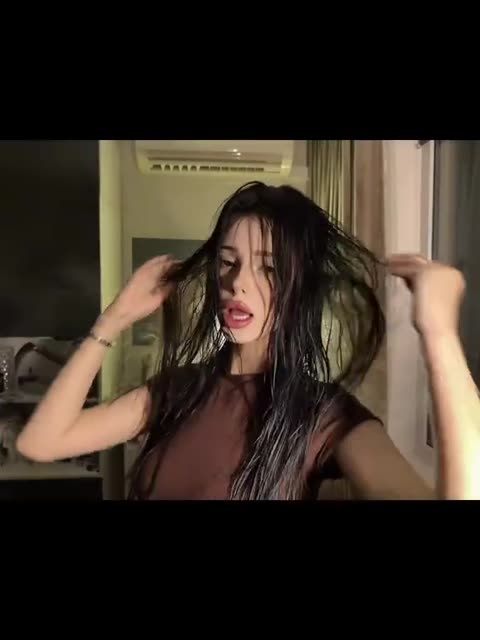 Jakarta One Desire — TikTok Transition
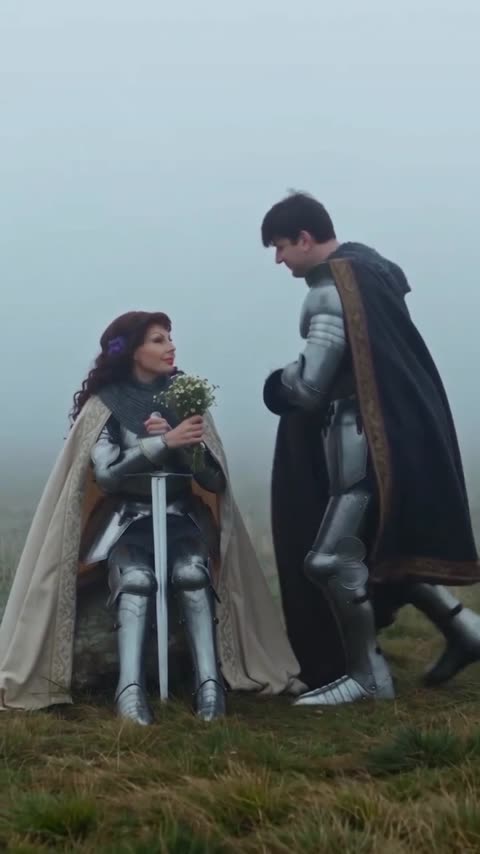 Knight Sword Swap — AI Trend
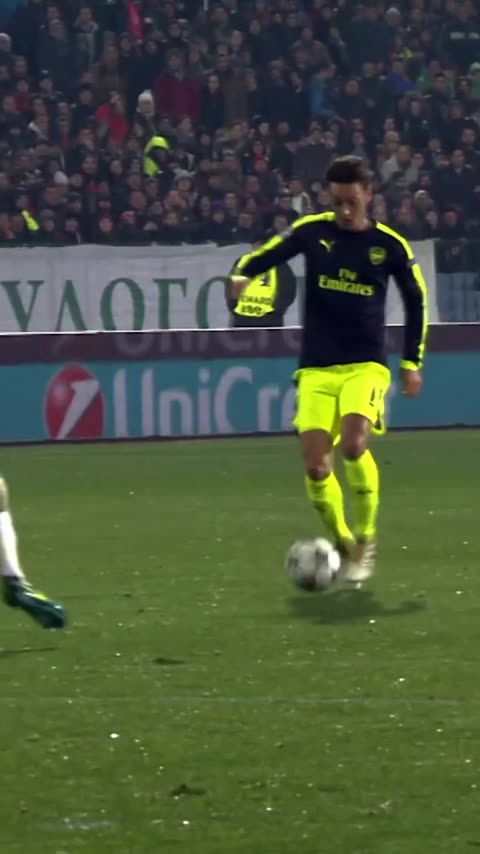 Mesut Ozil — Ludogorets Wonder Goal
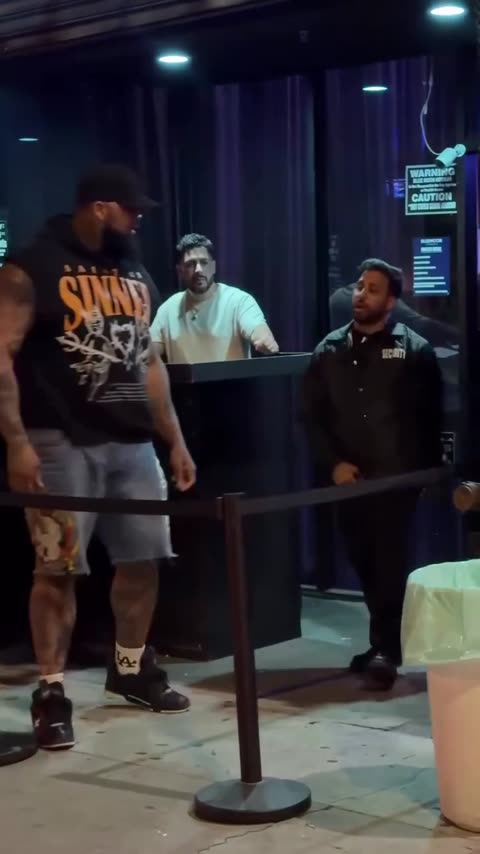 Big Guy vs Bouncer — Club Entrance Meme
 Scream & Shout — AI Dance
 Smooth Criminal — AI Dance