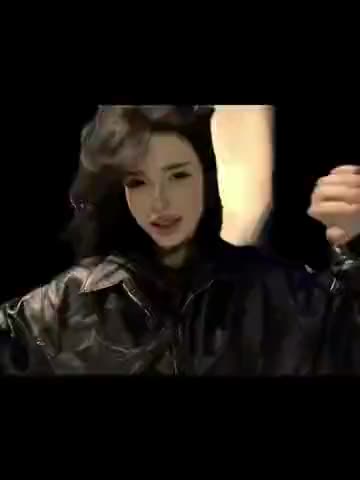
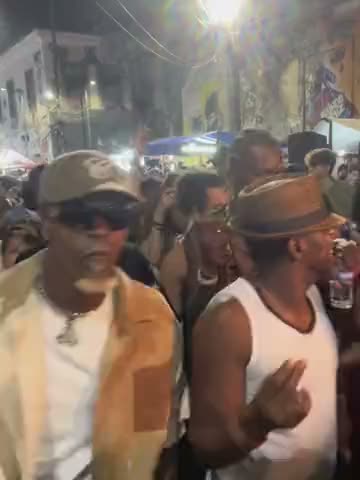
One dancer across different camera views
The wide shots show the dancer’s body, hand movements and steps inside the display. Close-ups bring the face much nearer to the camera, but they are appearances of the same person. You do not need a second photograph or a second assignment for those shots. The white bow and decorative shapes belong to the display, not to another person.
The name Islam comes from the supplied filename. This page describes that file’s visible scene without claiming a verified creator, first publication date or music credit. The source recording’s audio is used; an artist is not inferred from the meme’s name.
Make the shop-window dance
- Open the shop-window dance template and sign in with Telegram.
- Add one photo to the dancer’s card. Use a clear photo of a single person.
- Choose Keep the original look to retain the video’s clothes, or leave it off to use the photo’s appearance.
- Review the price before creating the full clip. If available in your account, the free preview lets you first see a short version.
- Download the MP4 when it is ready.
Pick a photo for both wide shots and close-ups
A clear face is useful because this clip contains tight facial framing. If you want to transfer clothing too, choose a photo showing the outfit and body rather than only the face. Avoid group pictures, heavy blur or a hand covering the face. Use your own photo or a photo whose use you have permission for.
The reference should define appearance, not a new camera pose. A full-body photo does not mean the close-ups should become full-body shots. The source shot sizes, dance sequence and original scene remain the guide.