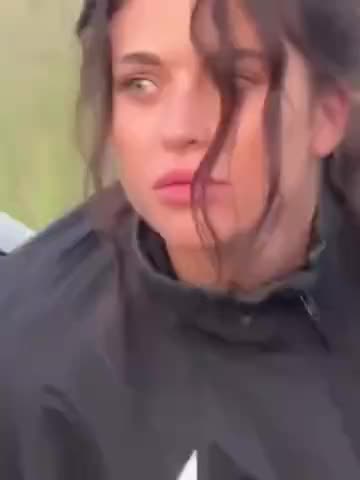
What is the Red Square Night Lip-Sync?
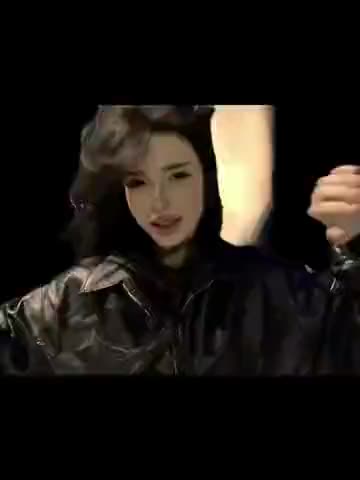
The woman wears a black coat with brown fur trim and mouths along to the audio. Behind her, the illuminated towers of St. Basil’s Cathedral and the wet pavement establish the setting. The open square gives the portrait room, while the dark collar brings attention back to the face. Look at the performer and then at the reflected light on the ground to see how the setting and the close framing work together.
The clip runs for about 15 seconds in a single handheld shot. The woman comes closer to the camera and steps back, and the camera briefly tilts. Her hair and sleeve sometimes cross her face. When she moves back, there’s more room in the frame for the illuminated buildings and pavement. The black bands above and below the scene are part of the original post.
The template has one replaceable person. You use the same photo for the entire clip. The city scene, the original timing and the sound carry through to the resulting video. If you’re sending the result to a friend who knows the TikTok, the cathedral and the night lighting are recognizable cues even before they turn the sound on.
Where did the clip come from?
@nopowerbaank posted the video on November 5, 2026, with the caption “tgk nopowerbank.” TikTok labels the audio as joidke’s original sound. The template keeps the sound as heard in that post. Original TikTok by @nopowerbaank
How to make the Red Square Night Lip-Sync with AI
- Open the Red Square Night Lip-Sync template and sign in with Telegram.
- Play the source clip. Look for a moment when you can see the performer’s face clearly with the cathedral behind them. You can compare that moment with the same part of the finished video.
- Add one JPEG, PNG or WebP to the performer’s card. Leave “Keep the original look” on to keep the black coat from the clip. To use your own outfit as a reference, switch it off and pick a photo that shows what you’re wearing.
- Check the quality and price in Telegram Stars before you start. When your video is ready, download the MP4 or share it.
The step-by-step photo guide gives you a few things to check around the mouth, the coat collar and the reflected light.
Which photo works for this nighttime clip?
Choose a sharp portrait with an unobstructed face. Soft, even light helps show the eye and mouth shapes. The source brings its own nighttime lighting, so you can use a clear photo taken indoors or during the day. If you want your own coat to guide the look, choose a wider photo that shows how the collar and shoulders sit. Ask first if you’re using someone else’s photo.
When you play the result, look first at the face in a clear frame, then play that moment with sound. Watching at normal speed makes it easier to see whether the expression fits the movement. For the outfit, look at the line where the collar meets the jaw. That’s a small area that can change how the whole portrait reads.