What happens in the Resident Evil roadside scene?
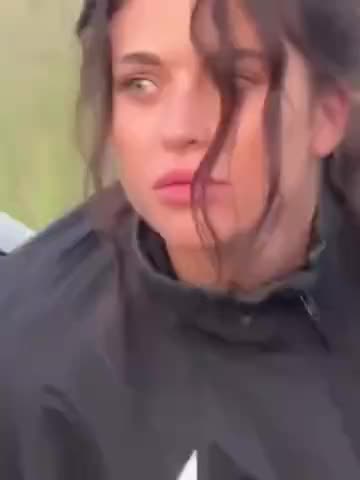
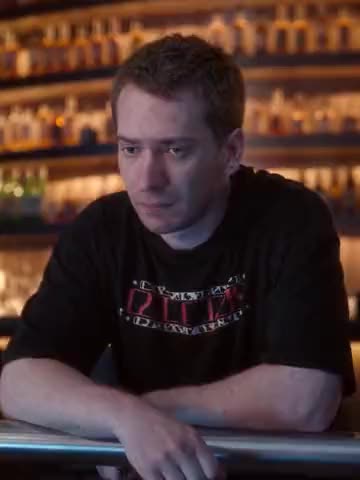
Bryan is behind the wheel after hitting a woman on the road and picking her up. When an officer pulls him over, Bryan interrupts to explain that he has “a bit of a situation.” The officer shines a flashlight into the car and looks toward the passenger seat. Bryan tries to explain what happened while the woman moves beside him. The exchange plays like a routine traffic stop until the officer sees who’s in the car.
The clip cuts between the car interior and the officer looking in from outside. Bryan’s face is sometimes in shadow and sometimes turned toward the driver’s window. Those changes in angle and light are part of the scene. The dialogue and subtitles carry the setup and the officer’s reaction through each cut.
Where does this clip come from?
The film is Zach Cregger’s Resident Evil (2026). Austin Abrams plays Bryan, a medical courier trying to get through the night. The template uses the movie excerpt posted by Golden Screen Cinemas as @gscinemas on TikTok on October 10, 2026. “A Bit of a Situation” comes from the post’s caption and Bryan’s line. Original clip on TikTok
Who can I replace in the scene?
Bryan and the infected passenger each have their own photo card. Add one photo to the role you want to replace or two separate photos to replace both. Leave a card empty to keep that film character as they appear in the original. The police officer stays as in the source in every version. When you replace the passenger, the template uses the face from your photo without the zombie makeup. You can see the exchange on the Resident Evil template page before choosing your roles.
How to make the Resident Evil scene with AI
- Open the Resident Evil — A Bit of a Situation template and sign in with Telegram.
- Add a JPEG, PNG or WebP photo to each role you want to replace. Ask first if a photo is of a friend.
- For Bryan, keep “Keep the original look” on to use his film outfit, or turn it off to use the clothes in the photo as a reference. The passenger wears the film costume when you replace her.
- Pick the available video quality and check the price in Telegram Stars before starting the full video.
- When the video is ready, download the MP4 or share it with the source sound.
The Resident Evil photo guide shows what to look for when you review either role.
Which photos work for the two roles?
Choose a sharp portrait of one person with even light across the face. A front view or a slight turn works for this scene because Bryan looks ahead and toward the officer. Keep both eyes and the outline of the face visible. Use an evenly lit photo even though the car interior is dark. The source supplies the shadows and the angle of the flashlight.
Use a clear portrait for the passenger too. Choose one that shows the face as you want it to appear in the scene. In the finished clip, look at Bryan’s turn toward the window or the moment the flashlight catches the passenger’s face, depending on which card you filled. Likeness can vary as the light and angle change.