What is The Missing Ornament trend?
It is a tiny Christmas comedy with one actor and one prop. The tree behind is fully lit, but the biggest, shiniest ball is not on it: it is in your hands, held out to the viewer, and your face says "yes, it was me". There is no dance and no text on screen; the joke works through the smile alone.
That makes it an easy holiday post. Send it to the family chat on the day you put the tree up, post it as a story when the decorating starts, or use it as a playful "it's me, I'm the one who always messes with the tree" confession. With only one person in it, it is also a good first trend to try on vswp.
Where does the original video come from?
The clip is one of vswp's seasonal Christmas trends. We could not trace it to a known creator, film, song or social media wave, so this page names no author and links no source. What follows is what the clip and its poster frame show.
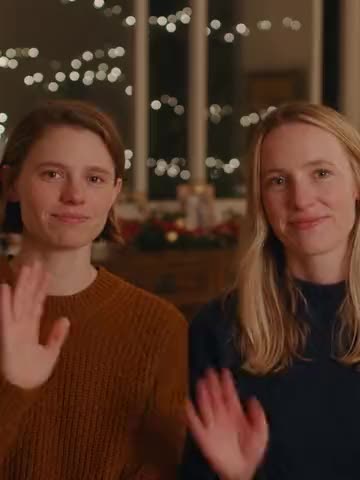
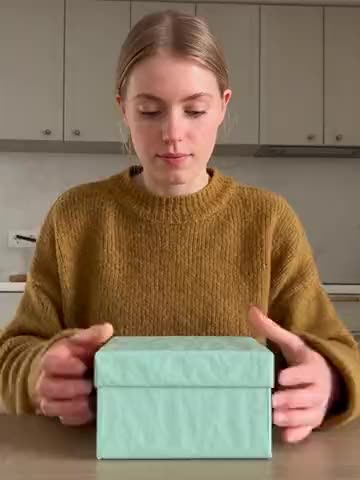
The poster shows a young man framed from the thighs up, standing straight on to the camera. Behind him is a tall fir tree covered in small warm lights, in front of a soft beige wall, with dark wooden shelves on the left holding green garlands. The light is warm and even, as in a living room in the evening. He holds a large matte red ball in both hands, arms stretched forward so it sits close to the lens, and gives a closed-mouth, slightly sly smile.
Who and what is in it?
- One person, one card. The man in the middle is the only role. Anyone can take it: a man, a woman, a teenager or a grandparent.
- The look. Short brown hair and a chunky dark green knit sweater, the classic cozy Christmas look.
- The prop. A big matte red Christmas ball, clearly larger than a hand, held with both hands in front of the chest. It stays in the clip whoever is in your photo.
- The moment. The ornament is presented to the camera while the smile turns into a knowing smirk. The motion is small and calm, so the face stays sharp and in the center.
- The place. A warm room with a lit Christmas tree, greenery on the shelves and a plain wall.
- The length. 6 seconds, short enough to loop in a story or a chat.
How to make The Missing Ornament with AI
- Open The Missing Ornament and sign in with Telegram. There is no password.
- The person in the clip is already found. Give them your photo (JPEG, PNG or WebP).
- Decide on "Keep the original look". On, the green sweater stays and only the face and hair change; off, clothes, hair and silhouette come from your photo, for example your own Christmas jumper.
- Press "Make the free preview" to see about 5 seconds at 480p with a small "vswp.app" mark; every new user gets one.
- Press "Create the full video". The price in Telegram Stars depends on length, quality and number of people and is shown before you start; the Stars come back if a render fails or is canceled.
- Download the MP4 at 480p or 720p with the original sound, typically ready in minutes, and send it to the people who will ask where the ornament went.
By starting a video you confirm you have the right to use it and the photo; ask a friend before using their photo. Want the whole family in on it? Make one clip per person, each from their own photo. More ideas: the Christmas video with family guide and the trends list.
Which photo works best?
- A clear face, front on. The person looks straight into the lens for the whole clip, so a sharp, front-facing photo in good light gives the best likeness.
- A small smile. The clip lives on a sly, closed-mouth smile. A photo with a relaxed smile fits better than a wide grin with teeth.
- Hair in view. A photo that shows your hairline and hair length helps the AI keep your hair natural against the bright tree.
- Waist-up or full body for your own outfit. With "Keep the original look" off, the sweater comes from your photo. A photo where you are visible at least to the waist carries the clothes best.
- One person per photo. A group photo makes it harder to tell who goes into the clip.
- Hands are generated. The ornament sits in both hands close to the camera; fingers sometimes need another take.
More tips: which photos work best for an AI video swap.